Article
View your Activity Hub and filter exports | GrowthLoop Docs
1 min read
Last updated 3 months ago
View your Activity Hub and filter exports
Export Activity Hub
Learn how to view your Activity Hub in GrowthLoop
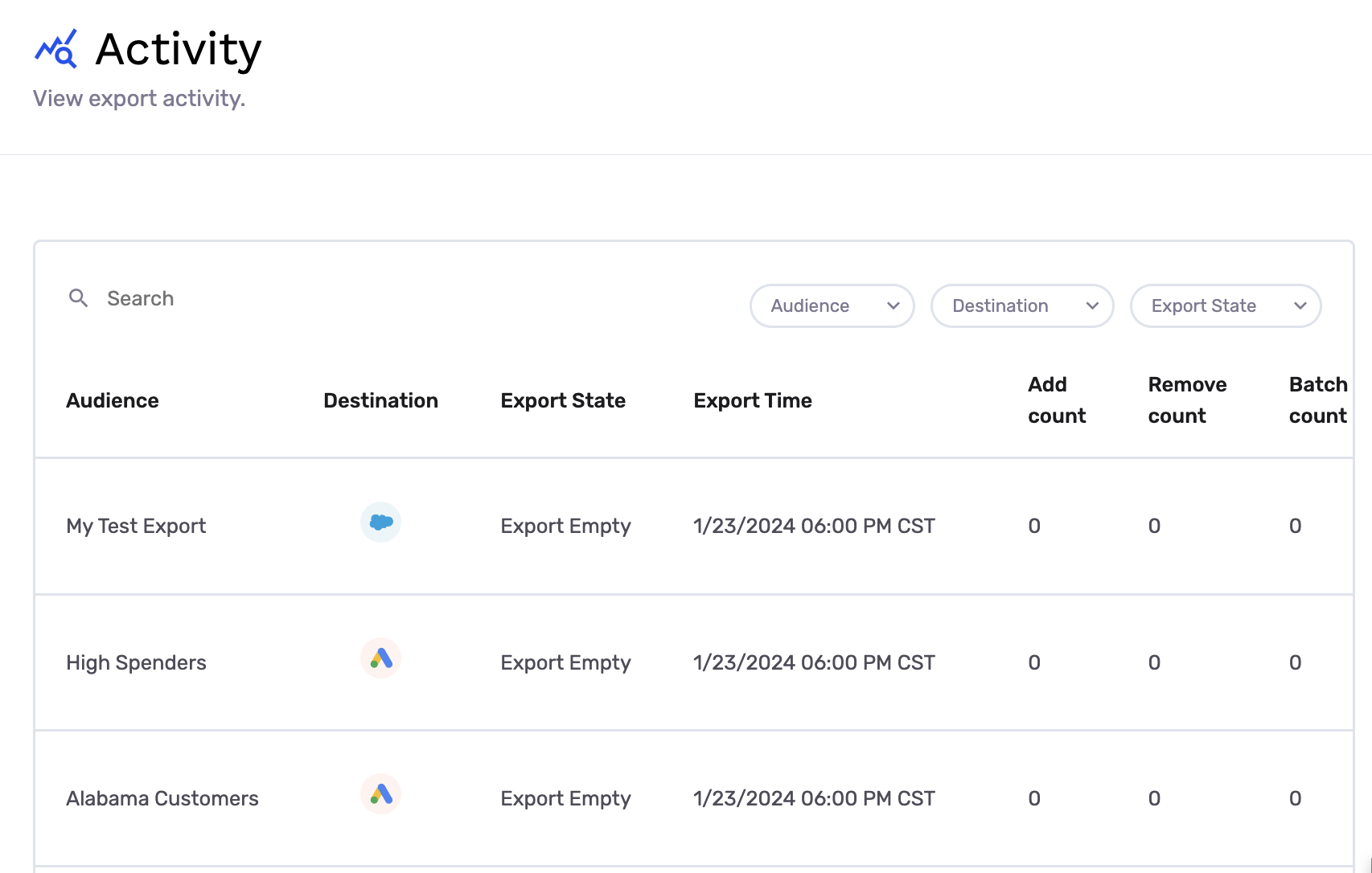
In this article, you'll learn how to view and use your Activity Hub in GrowthLoop. The Activity Hub gives you complete visibility into every export sync being orchestrated from the GrowthLoop platform to destination in a single location.
- Navigate to "Activity" under "Admin" section of left menu rail
- By default, you will see the most recent exports in your Activity table.
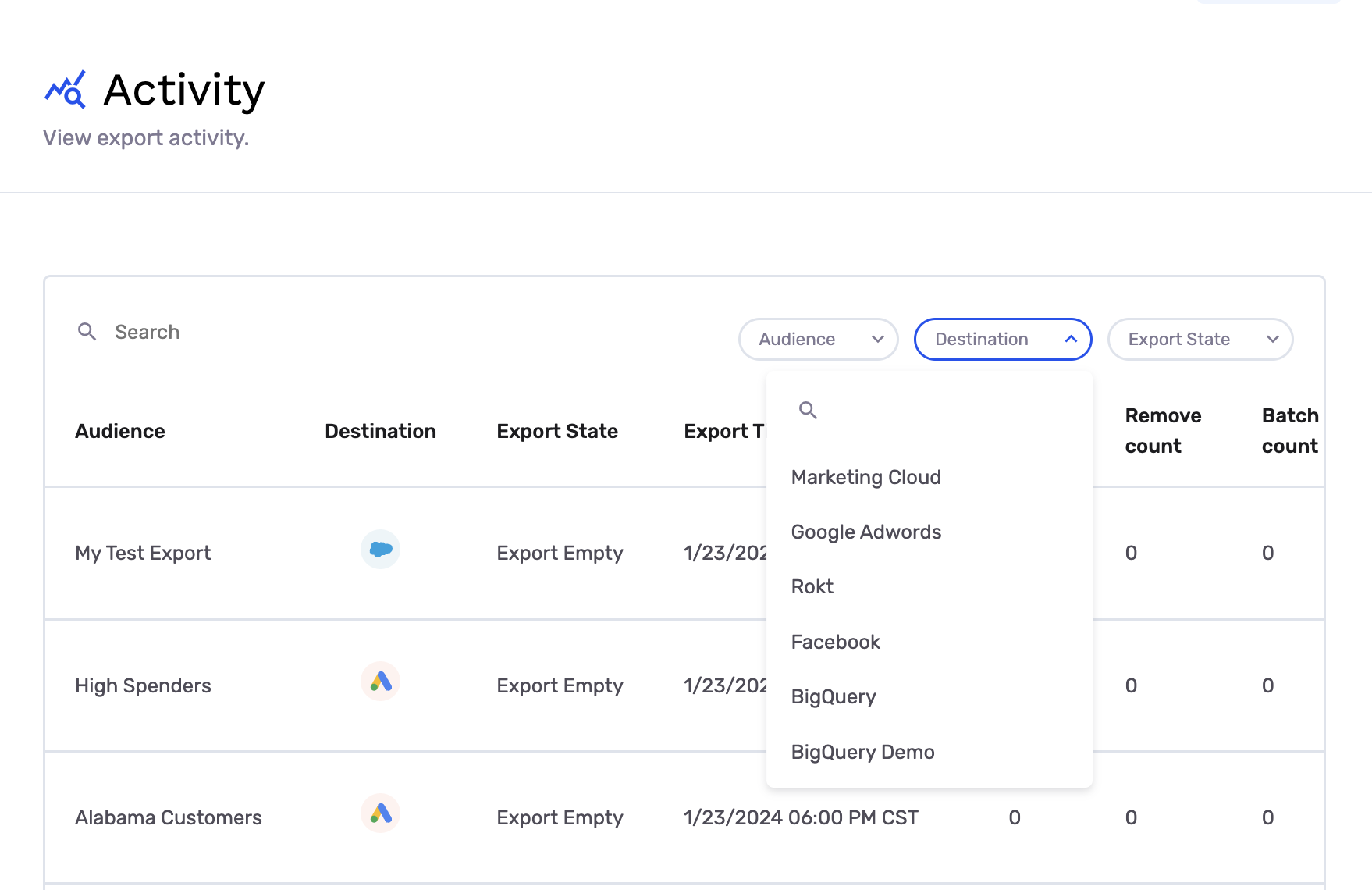
- Filter to exports to specific Destinations
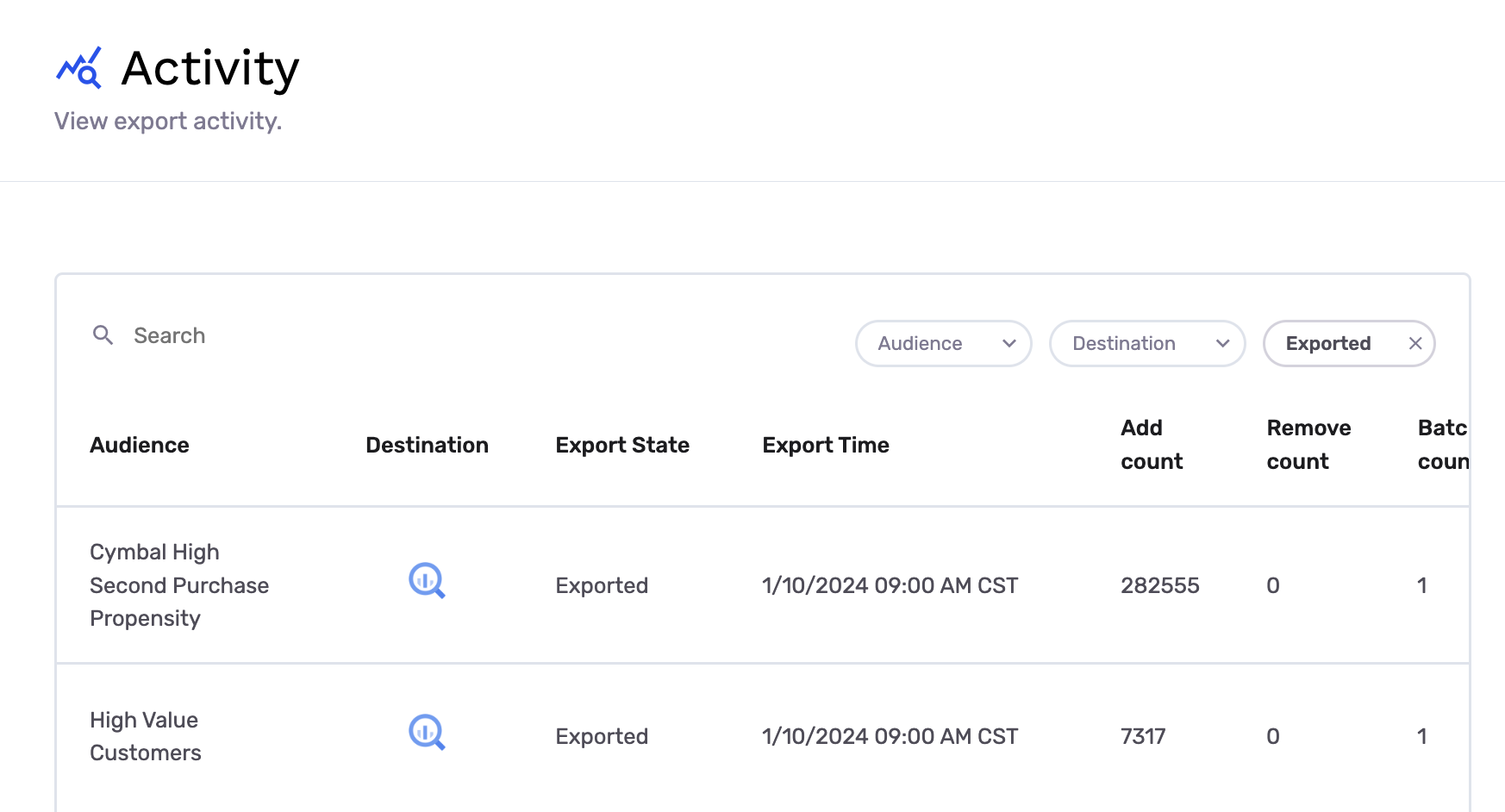
- Filter to exports with specific Export State
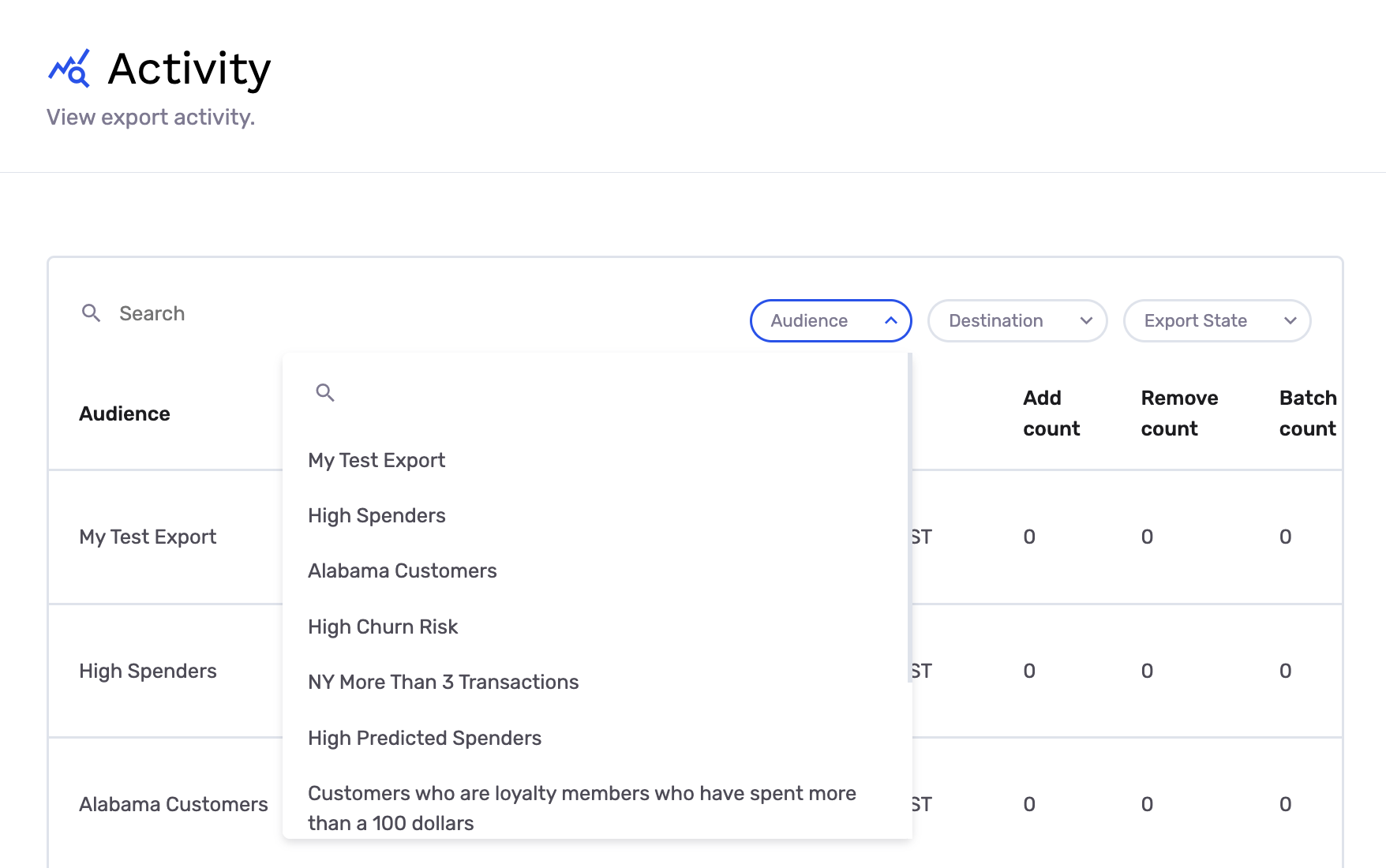
- Filter to exports for specific Audiences
If you experience any issues or have any questions, please reach out to us at [email protected], and we’ll be in touch shortly!
Updated 5 months ago