Manage your organizations and teams | GrowthLoop Docs
Manage your organizations and teams
Learn how to manage organizations and teams in GrowthLoop
In this article, you'll learn how to manage Teams in GrowthLoop. There are a few key concepts to understand in the GrowthLoop before we get started.
-
Organizations: Organizations are the top level entity in GrowthLoop. Usually companies have one organization.
- Organizations can have multiple
Source Connectionsto different data clouds. - Organizations can have multiple teams.
- Organizations can have multiple
-
Teams: Teams are the defining unit for divisions and groups of people that collaborate often together.
- Teams can have
dataset groupsanddatasets - Teams can have their own
destinations
- Teams can have
-
Navigate to
Organizationsin the left menu rail -
Click
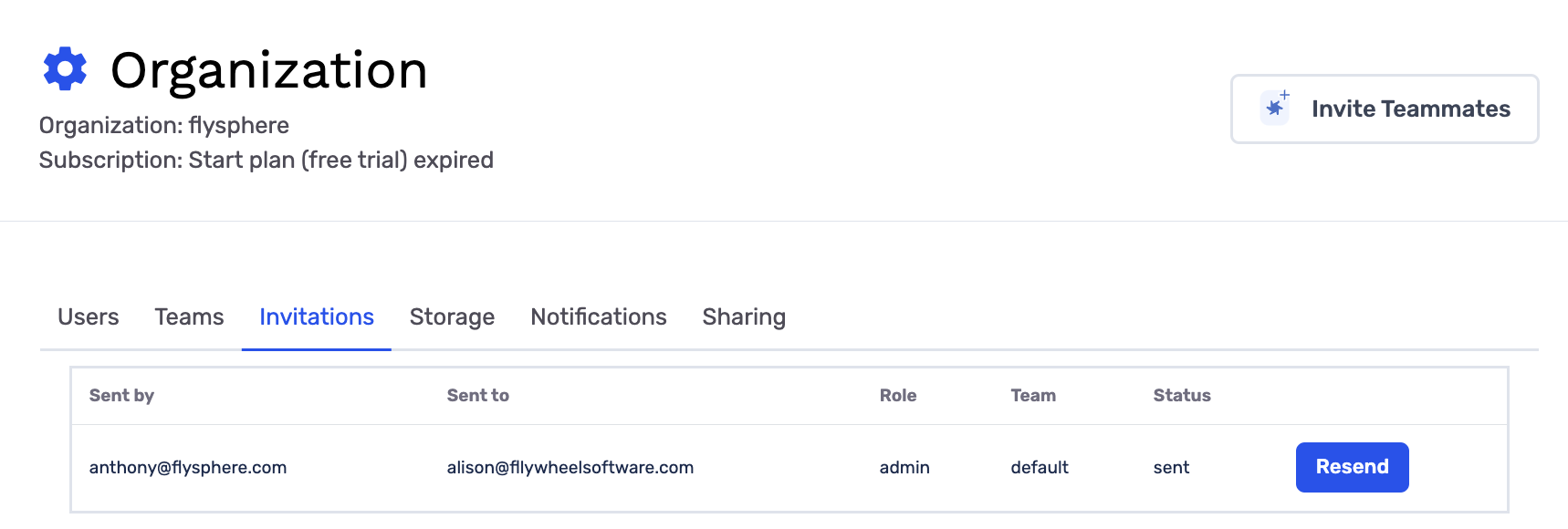
Invitations -
Admins can invite users by inserting email addresses.
- Select
Teamyou are inviting teammate to. - Select
Roleyou want your teammate to have. - Insert a Message they will receive in their email invite.
- Select
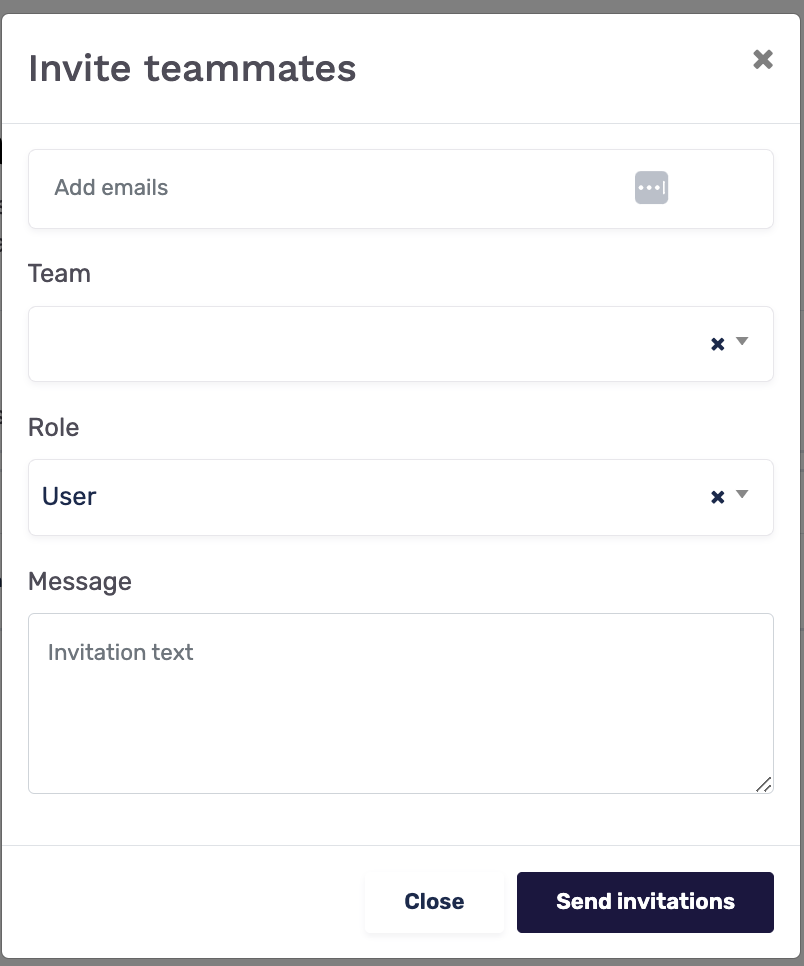
- Your teammates will receive an email asking them to join your GrowthLoop organization.
- To resend invites simply click
Resend
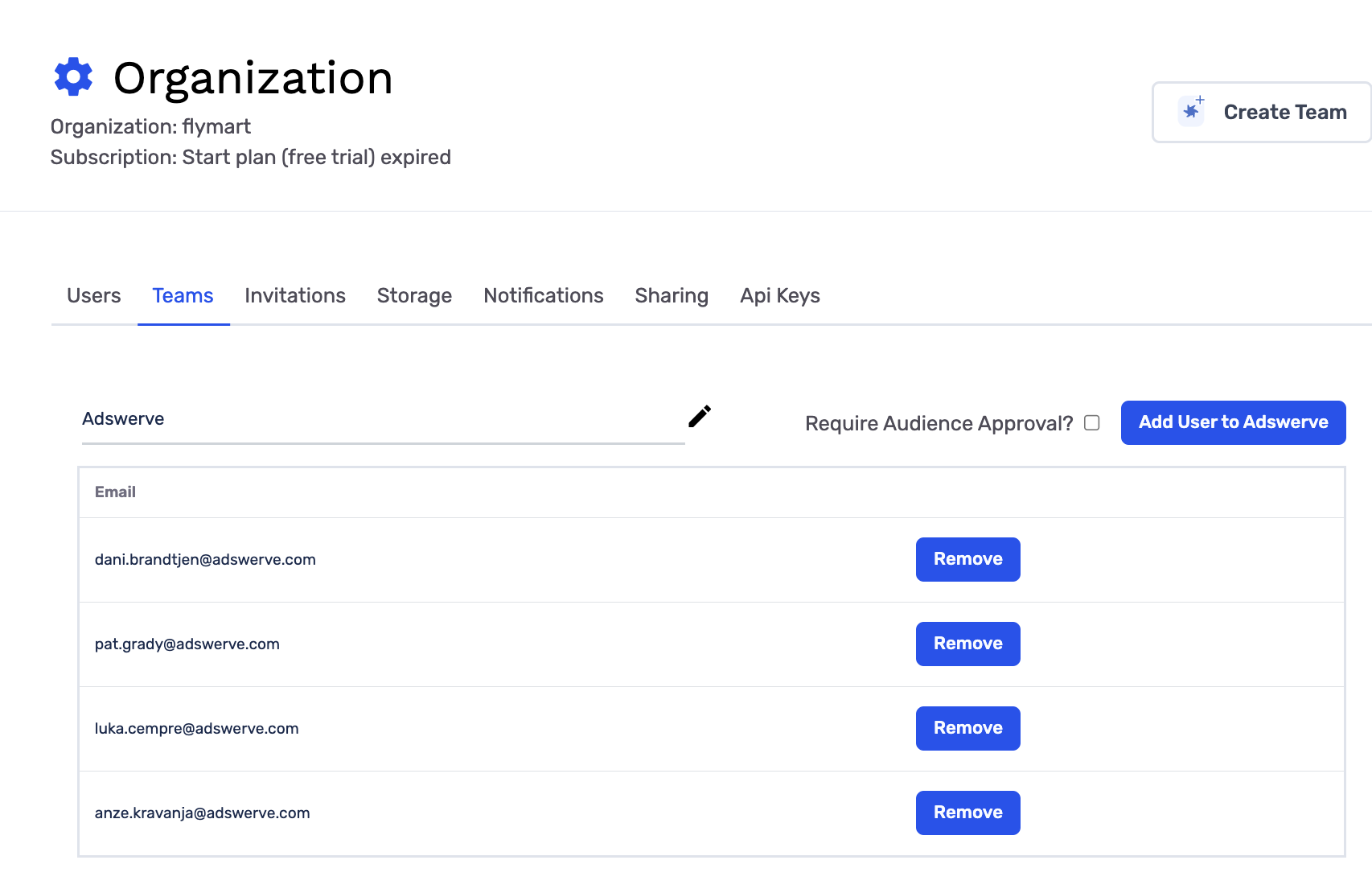
- Navigate to
Organizationsin the left menu rail - Click
Teams
-
To Create a new team, click
Create Teamand insert team name. You can then add users to team.
-
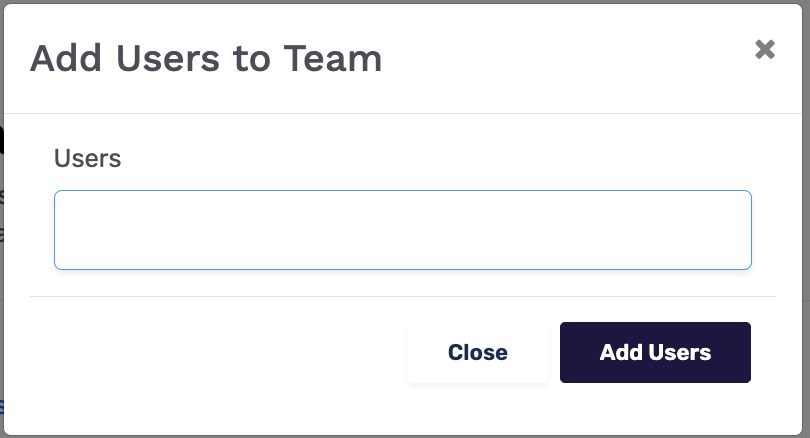
To
Add Usersto aTeamsimply clickAdd User to [Team Namein upper right.
-
To remove users from a
TeamclickRemovenext to their email address. -
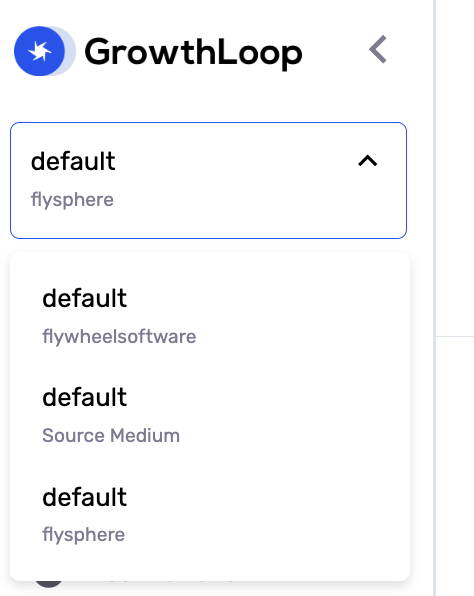
To switch between Organizations and Teams, you can use your
Team Togglein the left menu rail. -
You can only view the organizations and teams you belong to.
-
By clicking on an Organization/Team in the
Team Toggleyou will be taken to that Team space.
Updated 5 months ago